
Running a small business can feel like having ten different jobs at the same time.
You might start your morning checking orders, spend the afternoon replying to customers, then suddenly realize you still haven’t created this week’s social media posts. And somewhere in between all of that, there’s accounting, emails, marketing, research, your website…
It can get exhausting.
This is probably one of the reasons AI has become so interesting for small business owners. Not because AI can magically run a business for you, but because it can take care of some of the work that eats up your time.
Writing a first draft. Summarizing a document. Coming up with marketing ideas. Turning a rough idea into a presentation. Finding information. Organizing notes.
These are small things individually. But when they pile up every day, they become a lot.
So, if you’re running a small business and wondering which AI tools are actually worth trying, here are some that I think are worth putting on your radar.
ChatGPT
Let’s start with the obvious one.
ChatGPT is probably the most versatile AI tool on this list. And that’s exactly why it can be useful for a small business owner.
You don’t have to use it for some complicated AI workflow. You can use it for really ordinary things.
Suppose you own a small clothing business and you’ve just launched a new collection. You could ask ChatGPT to give you Instagram post ideas, write a product description, create an email for previous customers, or even help you come up with an offer.
You could also use it to:
- Write or improve emails
- Create ad copy
- Brainstorm content ideas
- Write product descriptions
- Summarize documents
- Research a new business idea
- Create FAQs
- Write website copy
- Analyze a spreadsheet
- Plan a marketing campaign
One thing I wouldn’t recommend is copying the first answer and publishing it immediately.
AI can give you the starting point. Your experience and personality should finish the job.
That little bit of human input can make a huge difference.
Good for: Content, research, brainstorming, marketing and general business work.
Canva
If you’re running a small business, there’s a good chance you’ve had to design something yourself.
Maybe an Instagram post.
Maybe a flyer.
Maybe an ad.
Maybe a presentation for a client.
And if you’re not a designer, even something that looks simple can take forever.
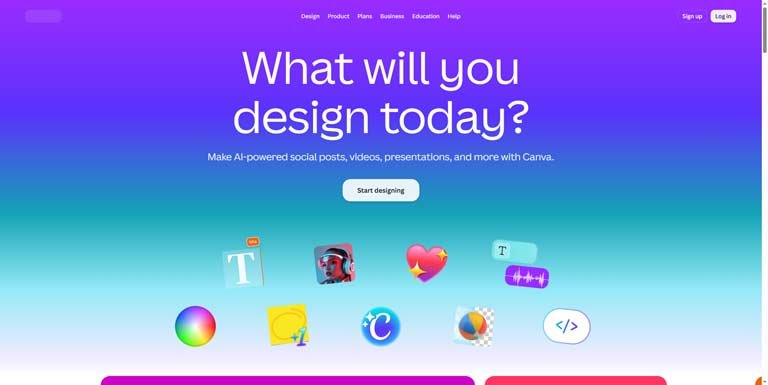
Canva makes that process much easier, and its AI features add another layer to it.
You can use Canva to create social media graphics, presentations, ads, posters, thumbnails, product images and plenty of other things without having to become a Photoshop expert first.
For a business owner who doesn’t have a designer on the team, that’s pretty useful.
The other nice thing is that you can start with a template instead of staring at a completely blank page wondering where to begin.
Good for: Social media designs, ads, presentations and other visual content.
Google Gemini
Gemini is another AI assistant that’s worth experimenting with, especially if your business already relies heavily on Google’s ecosystem.
You can use it for writing, brainstorming, research, summarizing information and working with documents.
For example, if you have a long document sitting in your Google workspace that you really don’t want to read from beginning to end, an AI assistant can help you pull out the important information.
It’s also useful for those moments when you know what you want to say but can’t quite figure out how to say it.
Good for: Research, writing, summarizing and everyday business tasks.
Claude
Claude is another AI assistant that small businesses can make good use of, particularly when you’re dealing with longer documents or more detailed writing.
You could give it a business document and ask it to summarize the important sections. You could use it to brainstorm ideas, improve website copy, review a proposal or help organize a large amount of information.
It’s also useful when you don’t just want a two-paragraph answer and actually need help thinking through something.
For example, if you’re planning a new service and have customer feedback, competitor information and your own notes scattered across different documents, an AI tool can help you turn that mess into something easier to understand.
Good for: Long-form writing, documents, research and analysis.
Grammarly
Not every business owner is confident with writing.
And that’s completely fine.
You might know exactly what you want to tell a customer, but you’re not sure whether the email sounds professional. Or perhaps English isn’t your first language and you want to make sure a proposal doesn’t contain awkward sentences.
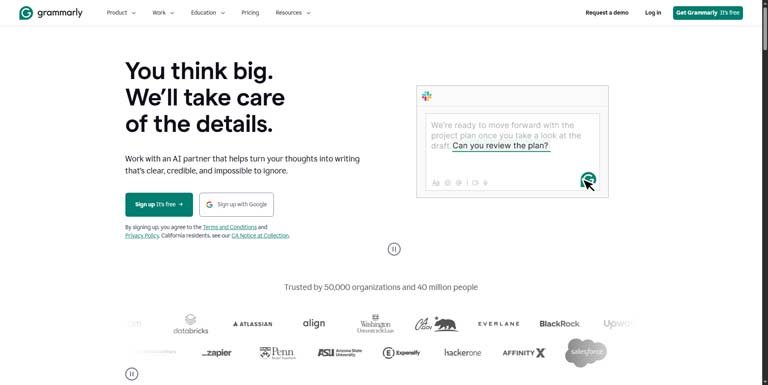
That’s where Grammarly can help.
It can check grammar and spelling, but its AI features can also help rewrite text and adjust the tone.
You can use it for customer emails, proposals, website content, social media posts and other everyday communication.
It’s a small thing, but when you’re sending emails to customers all day, having that extra layer of help can be reassuring.
Good for: Emails, proposals and everyday business writing.
Notion AI
Here’s a problem that usually appears once you start getting busy:
You have information everywhere.
Some ideas are in your phone.
Some are in Google Docs.
Some are in WhatsApp messages.
And there’s probably a notebook somewhere with an idea you wrote down six months ago and completely forgot about.
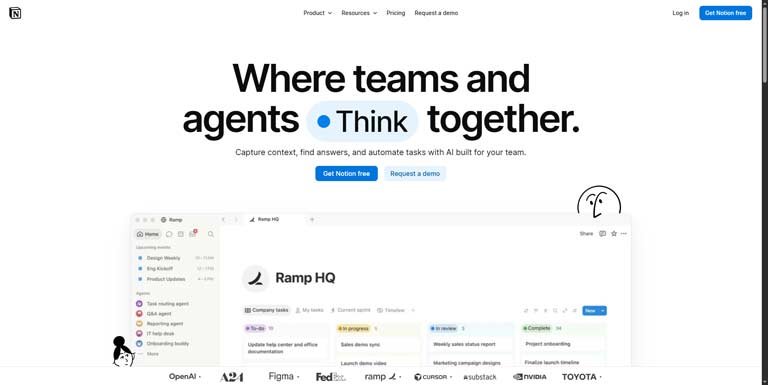
Notion can help bring some of that information together.
You can use it for project management, content calendars, meeting notes, business documentation, planning and internal processes. Its AI features can then help summarize, organize and work with that information.
For a solo founder or a small team, having one place where important information lives can make life considerably less chaotic.
Good for: Organization, documentation, planning and project management.
HubSpot
As a business starts getting customers, another problem shows up.
Keeping track of everyone.
Someone fills out your contact form. Another person asks for pricing on Instagram. Someone else has requested a demo. A previous customer said they’d be interested in another product later.
If you’re managing all of that through memory, spreadsheets and random messages, things can get lost.
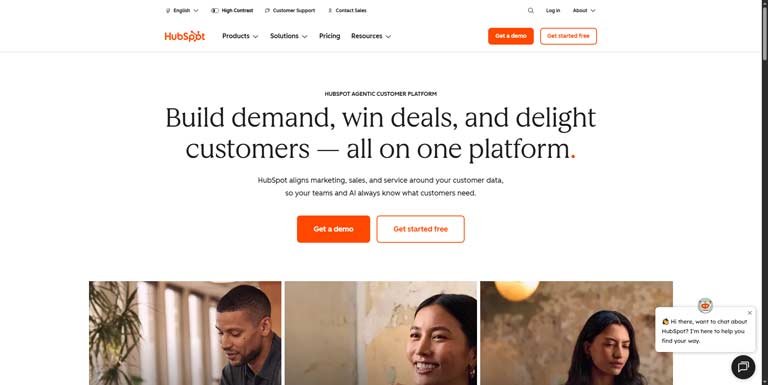
HubSpot provides CRM and marketing tools that can help you keep track of leads and customers. Its AI features can also assist with content and other sales and marketing tasks.
The benefit isn’t really about having fancy software.
It’s about not losing a potential customer simply because you forgot to follow up.
And yes, that happens more often than businesses like to admit.
Good for: CRM, sales, marketing and managing customer relationships.
Zapier
This one can save you from doing the same boring task over and over again.
Zapier connects different applications and lets you create automated workflows.
For example, imagine someone fills out a form on your website.
Instead of manually copying their details into a spreadsheet, sending them an email and informing your sales team, you can create an automated workflow that handles those steps.
You could have something like:
Website form → CRM → Email → Team notification
And that’s just one example.
Once you start looking around your business, you’ll probably find plenty of repetitive tasks that don’t actually need a person sitting there doing them manually.
That’s where automation becomes really valuable.
Good for: Automating repetitive business tasks.
Perplexity
Research can be surprisingly tiring.
You search for something, open a bunch of websites, read a few articles, go down three completely unrelated rabbit holes and somehow end up watching a YouTube video about something that has nothing to do with your original question.
Perplexity can make the initial research process faster by combining AI answers with web sources.
You could use it when researching:
- Competitors
- New markets
- Products
- Industries
- Business ideas
- Customer trends
- Potential tools and software
Of course, don’t treat an AI-generated answer as the final word, especially when you’re researching something important.
Open the sources and check them.
But when you simply need to understand a new topic without spending your entire afternoon searching, it can be handy.
Good for: Web research and quickly getting an overview of a topic.
Shopify Magic
If you run an online store using Shopify, you don’t necessarily need to go looking for a separate AI tool for every little task.
Shopify has built AI features into its platform that can help merchants with things such as product descriptions and store content.
This becomes particularly useful when you have a large catalog.
Writing a description for one product isn’t difficult.
Writing descriptions for 150 products?
That’s another story.
AI can help you create the first version much faster, and you can then edit it to make sure it actually sounds like your brand.
Good for: Ecommerce stores and product content.
Buffer
Social media is another area where small businesses often struggle.
Everyone tells you that you need to post consistently.
Okay… but who’s supposed to create all those posts?
Buffer can help with planning and scheduling social media content, while its AI features can assist with creating and improving posts.
Instead of opening Instagram every morning and thinking, “What on earth am I going to post today?”, you can plan your content ahead of time.
That alone can remove a surprising amount of stress.
Good for: Social media planning and scheduling.
QuickBooks
Now for something that might not sound exciting at all.
Accounting.
But if you’re running a business, eventually you have to deal with invoices, expenses, income and financial records.
QuickBooks provides accounting and financial management software with AI-powered features that can help with some financial workflows.
It’s useful for keeping your business finances organized, but I’d still be careful about relying entirely on AI for financial or tax decisions.
For anything important involving taxes, compliance or complex finances, a qualified accountant is still worth talking to.
AI can assist you.
It shouldn’t replace professional judgment where the consequences of getting something wrong are serious.
Good for: Bookkeeping, invoices and financial management.
But Do You Really Need All These AI Tools?
No.
And honestly, I wouldn’t recommend it.
One of the easiest ways to waste money with AI right now is to subscribe to every tool you see on social media.
You try one writing tool.
Then another.
Then an AI meeting assistant.
Then an AI image generator.
Then an AI CRM.
Three months later, you’ve got a pile of subscriptions and you’re barely using half of them.
Instead, look at where you’re actually losing time.
If you’re spending hours writing content, start with something like ChatGPT.
If you’re constantly creating graphics, try Canva.
If you’re losing track of leads, look at a CRM such as HubSpot.
If you’re doing repetitive work between different apps, explore Zapier.
If research is taking forever, try Perplexity.
That’s a much better way to approach AI.
Start with the problem, not the tool.
A Simple AI Setup for a Small Business
If I were starting a small business today with a limited budget, I wouldn’t try to build some complicated AI-powered setup.
I’d keep it simple.
I’d probably start with:
ChatGPT for thinking, writing and brainstorming.
Canva for graphics and marketing materials.
Notion for keeping business information organized.
Then, as the business grew, I’d add tools based on actual problems.
Need better lead management? Add a CRM.
Need automation? Add Zapier.
Need more social media organization? Add Buffer.
Need better accounting? Add accounting software.
There’s no prize for having 25 AI tools.
The Part About AI That Doesn’t Get Talked About Enough
There’s a strange pressure around AI right now.
Every few days, there’s a new tool claiming to save you hours, replace an employee or completely transform your business.
It’s easy to feel like you’re falling behind.
You’re not.
You don’t need to use every new AI product that launches.
And you definitely don’t need to turn every part of your business into an automated workflow.
Sometimes the best use of AI is incredibly simple.
You have an email that you’ve been putting off for 20 minutes.
Ask AI to help you write it.
You have 50 product descriptions to create.
Let AI give you the first draft.
You have a huge document you need to understand.
Ask AI to summarize it.
You have no idea what to post this week.
Ask for some ideas.
Those little moments add up.
And for a small business owner, getting an extra hour back every day can be much more valuable than having the fanciest AI setup.
Final Thoughts
AI isn’t going to replace the fact that running a business is hard.
Customers will still complain.
Sales will still have good months and bad months.
You’ll still have days where nothing seems to go according to plan.
But AI can remove some of the unnecessary work sitting between you and the things that actually matter.
And that’s probably the way small business owners should think about it.
Don’t ask:
“How can I use AI everywhere?”
Ask:
“What is wasting my time right now, and can AI help me with it?”
That question will usually lead you to a much better tool — and a much better business workflow.